
You improve a meeting show rate by fixing what happens between the booking and the call. Qualify the prospect before you book. Put the meeting close to the moment of interest. Confirm and remind with messages that restate the value. Make rescheduling easier than ghosting. Then measure the rate by lead source, so you know which lever to pull.
This guide walks through each step in order, with the formula, the reasons prospects really skip meetings, and the reminder timing we recommend.
TL;DR
- Show rate is meetings held divided by meetings booked, times 100. Define how you count reschedules and cancellations before you track it.
- Most no-shows are not about forgetting. A 2019 study put internal events and meeting conflicts far ahead of forgotten invites, so context and flexibility matter more than nagging.
- Book the meeting soon after interest, confirm it immediately, send a context-rich reminder a day or two out, and a short one shortly before.
- Put a one-click reschedule link in every reminder, and message a no-show within minutes.
- Track show rate weekly and by lead source. A blended average hides the problem.
Table of Contents
- What show rate measures, and how to calculate it
- Why prospects miss meetings
- What a no-show costs
- Step 1: Qualify before you book
- Step 2: Shorten the gap between interest and meeting
- Step 3: Build a confirmation and reminder sequence
- Step 4: Make rescheduling easier than ghosting
- Step 5: Act fast when someone misses
- Step 6: Measure show rate the right way
- Our perspective: held meetings are the only meetings
- Where we can help
- FAQ
- Sources
What show rate measures, and how to calculate it
Show rate is the share of scheduled meetings the prospect actually attends. The formula: meetings attended ÷ meetings scheduled × 100. If 40 of 50 booked meetings happen, your show rate is 80%. Its mirror image, the no-show rate, is booked meetings minus attended meetings, divided by booked meetings. Calclet's calculator says to apply the same CRM, calendar and attendance rules to both counts.
The definition matters more than it looks. Cancellations, reschedules, held meetings and silent no-shows are different outcomes, and treating every non-cancellation as completed overstates your show rate. Decide three things up front:
- Does a prospect who reschedules 24 hours ahead count as a no-show? (We would count the original slot as rescheduled, not missed, and track the new slot separately.)
- Does a prospect who joins five minutes before the end count as attended?
- Which system is the source of truth: the calendar, the CRM, or the video platform?
Write the answers down. Otherwise your rate will drift every time someone new updates the CRM.
Why prospects miss meetings

The instinct is to blame forgetfulness and add more reminders. The data points elsewhere. A 2019 study, reported by MarketingProfs, attributed 56.0% of sales no-shows to prospects being overwhelmed by internal events, 10.0% to being pulled into another meeting, 5.2% to technical problems with the invitation, and just 1.5% to forgetting. Scheduling causes (a meeting running long, double-booking, being called elsewhere) made up 16.3%.
That changes the playbook:
- Busy buyers need an easy exit and a fast re-entry. If the only way out is to ignore the invite, they will.
- Low-priority meetings lose to urgent ones. A call that does not feel valuable gets dropped when the day goes sideways.
- Technical friction is small but fixable. A broken link or a missing calendar attachment costs you meetings for no reason.
Other causes sales teams commonly cite include changed priorities, weak context about what the call covers, and fatigue from evaluating several vendors at once. All of them are fixed upstream of the reminder.
What a no-show costs
A booked meeting is not pipeline. Only a meeting that happens creates a live sales conversation. A no-show burns prep time, blocks a calendar slot you could have given to someone else, and distorts your forecast. One demo-platform vendor estimates that 30 no-shows out of 100 monthly demos could represent over $375,000 in lost potential revenue. Treat that as an illustration of the scale, not a promise about your own numbers. Run your own math: no-shows per month × average deal value × your close rate from held meetings.

This is also why we measure outbound by held meetings rather than booked ones. The number that feeds revenue is the second one.
Step 1: Qualify before you book
The cheapest no-show to prevent is the one you never schedule. A meeting booked with someone who was never a fit, or who agreed only to end an awkward exchange, will not show up.
Before you offer a time, check three things:
- ICP fit. Does the company match the profile of customers who buy from you? Industry, size, stage and role should line up before anyone books.
- A reason to talk now. Intent signals such as a hiring push, a funding round, a relevant post, or engagement with your content tell you the problem is live. Our piece on intent data, ICP fit and AI outreach goes deeper on how we use them.
- A stated reason for the call. Ask one question in the conversation that gets the prospect to say, in their own words, what they want out of the meeting. Repeat that phrase in the invite.
Qualifying harder will lower your booked count slightly and raise your held count. That is the trade you want. For the wider picture, see how to increase qualified meetings in B2B sales and our appointment setting strategies.
A human reading the replies matters here. When a prospect writes back with a hesitant "maybe next month," a person can tell that is not a yes. A booking tool cannot. We cover that handoff in how AI meeting booking works across four B2B stages.
Step 2: Shorten the gap between interest and meeting
Intent decays. The further the meeting sits from the moment the prospect said yes, the more other priorities pile in between. A practical rule: offer slots within the next one to two business days when you can, and treat anything beyond a week as a risk.
When you cannot avoid a longer gap, compensate with extra touchpoints (see the reminder sequence below). Also make the scheduling step itself tight:
- State the purpose, duration, attendees, format and time zone in the first message.
- Offer a handful of focused windows or a scheduling link, not an open-ended "when works for you?"
- Give one person ownership of scheduling so threads do not stall.
- Confirm the chosen details in a calendar invitation straight away. One scheduling guide recommends exactly this checklist.
Speed on the front end matters too. If a prospect replies and waits a day for an answer, momentum is gone. Our lead response time benchmarks explain how to set response-time targets before minutes slip away.
Step 3: Build a confirmation and reminder sequence
A good sequence has three jobs: confirm, add value, and remove friction. Here is the cadence we recommend, adjusted for how far out the meeting is.
| Touchpoint | Timing | What it contains |
|---|---|---|
| Confirmation | Immediately after booking | Date, time with time zone, attendees, calendar invite, the one-line reason for the call in the prospect's own words |
| Pre-read | 24 to 48 hours before | A short agenda, what you will cover, what you need from them, one useful asset such as a relevant case or benchmark |
| Day-of reminder | Morning of, or 1 to 2 hours before | Meeting link, one-line agenda recap, reschedule link |
| Final nudge (optional) | 10 to 15 minutes before | Link only, via the channel they respond to fastest |
The timing follows common practice: an immediate confirmation, a 24 to 48 hour message with context and agenda, and a short reminder on the day with the link. Notice what the middle touch does. It is not a "don't forget" note. It raises the perceived value of the meeting, which, given the data above, is the real lever.
Write reminders that restate the value
Compare two versions:
- Weak: "Just a reminder about our call tomorrow at 2 p.m."
- Stronger: "Tomorrow at 2 p.m. ET we'll map your outbound process against the 20 accounts you flagged and show where meetings are slipping. Here's the link, and here's a one-click option to move it if your day changes."
The stronger version names the outcome, uses the prospect's own context, and treats a conflict as normal.
Keep an audit trail
If reminders go out from several tools, you will not know which message the prospect saw. Logging what was sent and when helps you debug show-rate problems and keeps handoffs clean. This guide to reminder email audit trails shows the idea from a regulated-industry angle, and the logging habit transfers well to technology sales teams booking demos.
Use the channel the prospect uses
If the relationship started on LinkedIn, a short LinkedIn message the morning of the call often lands better than another email. Email, text and LinkedIn each have a place; the point is to vary the channel when one goes unanswered. Our post on sales cadence examples has copyable multi-channel patterns, and our send-time tests show how we check when messages get read.
Step 4: Make rescheduling easier than ghosting
Most prospects who skip are not hostile. They are overwhelmed. If moving the meeting takes effort, they skip it and feel awkward about replying. Remove the effort.
- Put a one-click reschedule and cancel link in the confirmation and every reminder.
- Preload two or three alternative slots, so a conflict becomes a moved meeting instead of a silent no-show. This approach is widely recommended.
- Check how your scheduling tool works. Some let invitees cancel or reschedule directly from the invitation and reminder emails, updating both calendars, and some support requiring an RSVP before the meeting is finalized.
- Be flexible about timing. Offer a range of times and be ready to adjust at the last minute.
A reschedule is a win compared with a no-show. Count it that way in your reporting, but track it, because a rep whose meetings get rescheduled twice usually has a qualification or value-framing problem.
Step 5: Act fast when someone misses
Even a strong system loses some meetings. What you do in the first minutes decides whether the lead survives.
- Wait five to ten minutes in the room. Someone running late from a previous meeting is common.
- Send a brief, non-accusatory message within about five minutes with a reschedule link and no demand for an explanation. "Looks like today got away from you. Here are two times later this week."
- Change channels on the second touch. If email was ignored, try LinkedIn or a call.
- Follow up two or three times with something of value, not a bare "checking in."
- Know when to stop. After a defined number of attempts, move the lead to a longer nurture track.
We lay out timing and scripts in detail in our guide on following up after a no-show.
Step 6: Measure show rate the right way
One blended number tells you very little. Calculate the rate weekly and segment it by:
- Lead source. Meetings from outbound, inbound, referrals and events behave differently. A gap between sources often points to a qualification, scheduling-gap or reminder problem.
- Rep or owner. Large differences reveal coaching opportunities.
- Meeting type. Discovery calls and demos have different commitment levels.
- Lead time. Compare meetings booked within two days with those booked a week out.
If your CRM and sales analytics can slice results this way, a short case study on using LinkedIn lead generation data shows how source-level reporting can change decisions. Review the segments on a fixed day each week, change one variable at a time (for example, add the pre-read message), and give it a few weeks before judging.
A simple worked example: you book 60 meetings in a month and 42 happen. Show rate is 70%. Outbound accounts for 30 of the bookings with 18 held (60%), and referrals for the other 30 with 24 held (80%). The blended 70% hides a 20-point gap. You would tighten qualification and reminders on outbound first.
Our perspective: held meetings are the only meetings
We build outbound around one idea: a booked meeting is a promise, and a held meeting is pipeline. That is why our process starts with the ideal customer profile and intent signals instead of volume. When we reach out on LinkedIn to someone who fits and has a reason to talk now, the conversation starts from real interest, and the meeting that follows has a reason to happen.
A human SDR handles every reply, so the context in the invite is the prospect's own words, not a template. That is also the best defense against the biggest cause of no-shows, which is the meeting simply not feeling important enough on a crowded day.
We would rather book fewer, better meetings and show you the pipeline math behind them than report a big number that evaporates on the calendar. If your show rate is low, look first at who you are booking and why, and only then at reminders.
Chad
Where we can help
If your team spends its week chasing no-shows, the problem often starts earlier, at targeting and qualification. Our AI-Powered Outbound service runs LinkedIn-first outreach to your ICP, uses intent signals to focus on buyers with a live reason to talk, and has a human SDR handle every reply. It costs $2,500 per month plus a one-time $500 setup fee.
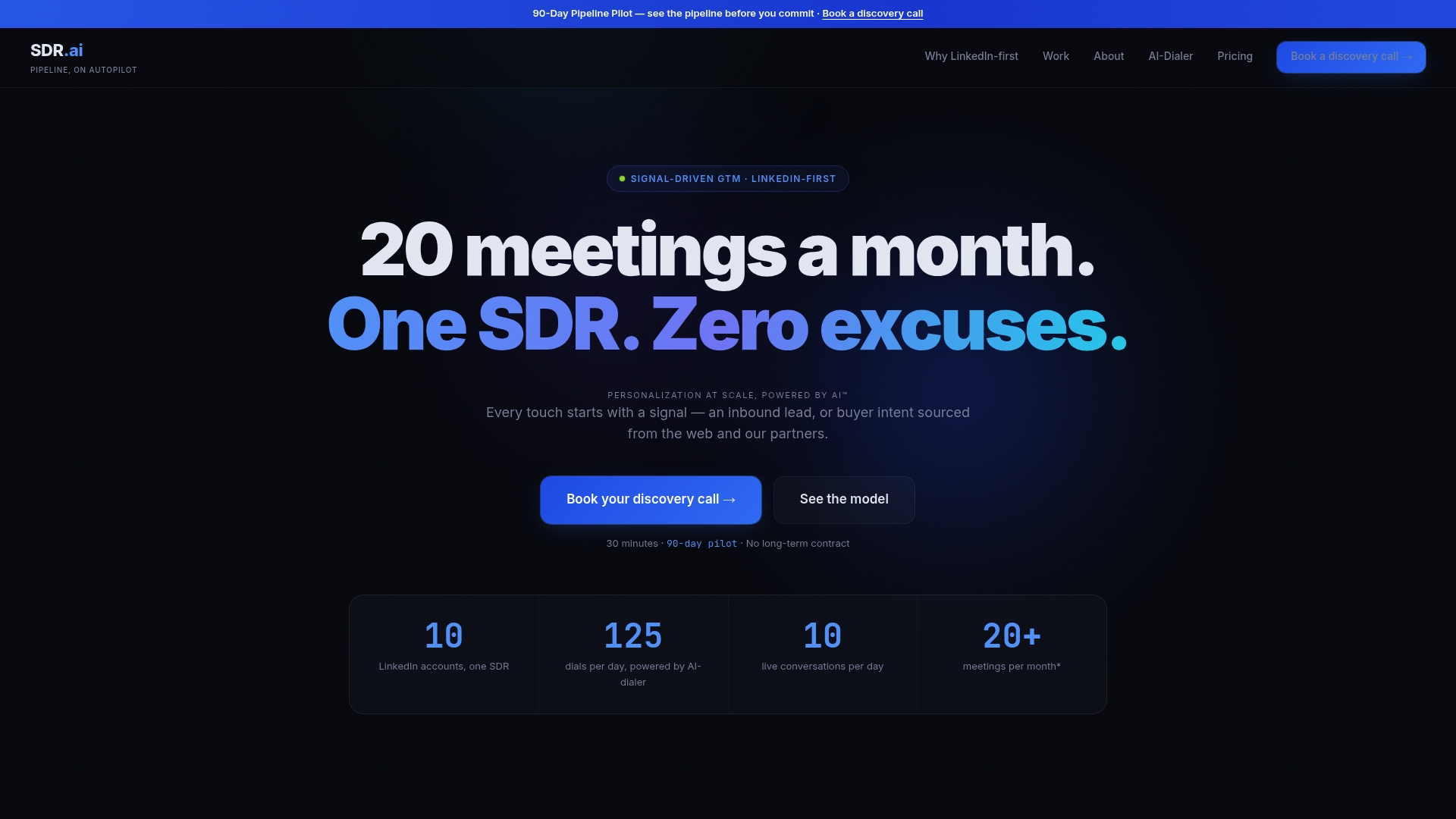
If you want your own reps to call warmer and faster, our AI-Dialer is $2,400 per year with a one-time $500 onboarding fee. If you prefer to build the process in-house, The SDR.ai Blueprint lays out our method.
FAQ
What is a good meeting show rate?
It depends on your lead source, meeting type and lead time, so compare yourself with your own history first. Outbound-sourced meetings typically show up less reliably than inbound or referral meetings. Segment your rate and aim to improve each segment week over week rather than chasing a single industry figure.
How far in advance should I send a reminder?
Send a confirmation immediately, a context-rich message 24 to 48 hours before, and a short reminder with the link on the morning of the call or one to two hours ahead. For meetings booked a week or more out, add a midpoint touch that shares something useful.
Should I overbook to make up for no-shows?
We would not. Overbooking creates double-bookings and rushed calls with the prospects who did show. A better path is to qualify harder, shorten the lead time and make rescheduling simple, so more of the meetings you book actually happen.
How quickly should I follow up after a no-show?
Within about five minutes of the start time, send a short, friendly message with a reschedule link and no request for an explanation. If there is no reply, try a different channel within a day.
Sources
- Calclet: B2B demo no-show rate calculator
- Funnelfeedr: Show rate, a booked meeting isn't a held meeting
- MarketingProfs: Sales Meeting No-Shows
- Walnut: How to handle no-show demo prospects
- Sarra: How to schedule meetings faster
- Prospeo: Pre-meeting email templates
- Simply Set: How to reduce meeting no-shows
- Qualified: Customizing meeting types and confirmation emails
- Mastermind Advisor: Appointment reminder emails and audit trails
- The Artist Evolution: LinkedIn lead generation case study