
Sales Navigator targeting works by combining its filter stack with Account IQ signals to surface buyers who match your ideal customer profile right now, not just on paper. The first move is building a saved ICP search that layers filters with Boolean logic, then turning on alerts for signals like job changes and posted content. With over 50 advanced filters and a capped monthly InMail allotment, precision matters more than volume.
TL;DR:
- Precision in filtering is crucial as over narrow criteria can significantly reduce audience size, making outreach less effective or too broad and inefficient.
- Using signals like job changes and content engagement alongside firmographic and technographic data helps identify actively interested prospects rich in buying intent.
- Regularly revisiting and updating saved searches and signals ensures targeting stays aligned with evolving ICP traits and market conditions.
- Layering in Account IQ alerts allows real-time detection of buying motion cues, enabling timely outreach to high-potential accounts.
- Prioritizing leads based on combined scores of fit, relevance, and signal recency improves outreach efficiency and conversion chances.
Table of Contents
- What Sales Navigator targeting includes: filters, audiences, and signals
- Turn an ICP into Sales Navigator filters (framework + worked example)
- Boolean and keyword tactics that reduce noise and raise precision
- Account-level targeting and look-alike expansion
- Operational workflows: saving leads, setting alerts, CRM syncs, and exports
- Measure and iterate: KPIs, A/B tests, and using signals for timing
- Applied example: SDR.ai's Blueprint mapped to Sales Navigator targeting
- Strategies for prioritizing and scoring leads within Sales Navigator
- How to use Sales Navigator insights to personalize outreach messages
- Differences in targeting strategies by industry or sales role
- Author's perspective: top targeting pitfalls and pragmatic fixes
- If you want to outsource execution: SDR.ai as a LinkedIn-first targeting and outreach option
- FAQ
- Sources
What Sales Navigator targeting includes: filters, audiences, and signals
Sales Navigator organizes targeting into three layers: filters, audiences, and signals, and most sellers only ever use the first one.
The filter layer covers the basics: location, company, industry, company size, job title, seniority, function, keywords, and posted activity. These are the building blocks for any saved search, and LinkedIn's own documentation confirms the platform ships with more than 50 advanced search filters, plus AI features like Account IQ and Lead IQ that surface real-time signals on target accounts.

The audience layer goes beyond manual filtering. Matched Audiences let you upload a list (website visitors, CRM contacts) and find those same people on LinkedIn, while predictive audiences use LinkedIn's data to suggest similar prospects based on an existing list. Location is a required field for audience-based targeting, and LinkedIn provides sizing guidance so you know whether an audience is viable before you build a campaign around it.
The signal layer is what separates a static list from a live one:
- Account IQ flags buying-motion indicators inside accounts you're tracking, such as leadership changes or hiring surges.
- Lead IQ surfaces individual-level signals, including job changes and content engagement.
- Posted activity filters let you find people who recently published or engaged with relevant topics.
Plan tier limits what you can actually do with these layers. Team features, CRM integrations, and InMail allotments scale with the plan you're on, and pricing references commonly cite a Core tier and an Advanced tier, with the higher tier unlocking more automation and integration options.
Turn an ICP into Sales Navigator filters (framework + worked example)
An ICP is only useful once it's translated into filters you can actually run. The mapping works best in five categories: firmographics (industry, company size, revenue band), technographics (tools mentioned in job postings or profiles), role and seniority, geography, and recent activity as an intent signal.
Here's a worked example for a SaaS vendor selling to mid-market revenue operations teams:
- Set firmographics first. Industry filter set to "Software Development," company size set to 51 to 200 employees, since that range typically has a dedicated RevOps function but still moves fast.
- Layer role and seniority. Title filter for "Revenue Operations" OR "Sales Operations," seniority capped at Director and above to avoid individual contributors with no budget authority.
- Add geography. Location restricted to the regions your team can legally sell and support, since a broad net here wastes InMail credits on unreachable accounts.
- Pull in a technographic keyword. Add a keyword filter for a specific CRM or tool mentioned in the profile or recent posts, since that often signals an active stack worth displacing or integrating with.
- Turn on signals. Enable Account IQ alerts for job changes and funding events inside the saved search, so new matches surface automatically instead of requiring a manual re-run.
Pro Tip: Run the search before adding the technographic keyword, note the audience size, then add it back. If the count drops by more than half, the keyword is probably too narrow for a first pass.
Audience sizing matters more than most sellers think. A search that returns a few hundred accounts is workable for personalized outreach; one that returns tens of thousands needs tighter filters before it's useful for anything but broad awareness plays.
Boolean and keyword tactics that reduce noise and raise precision
Boolean operators inside Sales Navigator work the same way they do in most search tools, but a few patterns are worth memorizing because they solve recurring problems.
- Nest titles with parentheses and OR. A search like
("VP Sales" OR "VP of Sales" OR "Head of Sales")catches title variants that a single exact phrase misses. - Exclude recruiters and agencies with NOT. Adding
NOT recruiterto a title search removes a common source of irrelevant matches in sales and HR searches. - Use quotation marks for exact phrases.
"demand generation"returns that specific phrase rather than any profile containing the words separately. - Combine role and company type. A pattern like
("Director" OR "Head of") AND "Marketing" AND "B2B SaaS"narrows to a compound profile that a single filter can't express. - Search for buying-related keywords. Terms tied to a specific tool, methodology, or pain point in a profile or recent post can indicate active evaluation, not just a job title match.
The most common mistake is over-narrowing early. Sellers stack five or six conditions on a first pass and end up with a handful of results, most of which don't convert because the filters were guesses rather than validated ICP traits. A second common error is ignoring title synonyms: "Head of Growth," "VP Growth," and "Director of Growth Marketing" might all describe the same buyer, but a rigid single-title search misses two of the three. The fix for both is the same: start broader, check the result count, and tighten only after reviewing a sample of actual profiles.
Account-level targeting and look-alike expansion
Account-based targeting starts with a seed list and expands outward using shared traits, rather than searching cold every time.
- Pick 10 to 20 seed accounts that already match your best customers, ideally ones with a known deal history or strong product fit.
- Extract shared firmographic and technographic traits from those accounts: industry, revenue band, headcount range, and any recurring tools mentioned in job postings.
- Run a look-alike search using those extracted traits as filters, which typically surfaces peer accounts that share the same operational profile.
- Layer in Account IQ to flag which of those peer accounts show active buying motion, since not every firmographic match is ready to buy.
- Prioritize contacts inside flagged accounts by role relevance first and seniority second, since a mid-level champion with influence often matters more than a distant executive sponsor.
A practical expansion example: if your seed accounts cluster around mid-market logistics companies using a specific warehouse management tool, a look-alike search combining "Logistics and Supply Chain" industry, a defined revenue band, and that tool as a keyword will often surface accounts your team hasn't touched yet.
Account IQ's value here is timing. Two firmographically identical accounts can be in completely different buying stages, and the signal layer is what tells you which one is worth a call this week versus next quarter.
Operational workflows: saving leads, setting alerts, CRM syncs, and exports
Targeting only pays off when it turns into tracked, followed-up activity, which means the saving and syncing steps matter as much as the search itself.
- Save leads and accounts directly from search results, then configure alerts for job changes, role changes, and posting activity so updates arrive without a manual re-check.
- Export a minimal field set to your CRM: name, title, company, location, and the signal that triggered the save, since a bloated export creates cleanup work later.
- Apply dedupe rules before import, matching on company domain plus name, to avoid duplicate records when the same contact appears in multiple saved searches.
- Assign ownership at the point of export, not after, so a new lead doesn't sit untouched for days while reps figure out whose territory it falls into.
- Set a follow-up cadence tied to the signal type, with job-change alerts getting faster outreach than general posting activity.
List hygiene is easy to let slide. A weekly check of new alerts keeps the pipeline current, while a monthly refresh of the underlying saved searches catches ICP drift before it quietly degrades reply rates.
Measure and iterate: KPIs, A/B tests, and using signals for timing
Three metrics tell you whether a targeting approach is working: reply rate, meetings booked per outreach batch, and qualified-opportunity rate from those meetings. Tracking only volume (messages sent, connections made) hides whether the targeting itself is any good.
Sales Navigator includes AI-powered Account IQ signals that flag real-time buying motion inside target accounts, which means the timing of outreach can be tied directly to a signal rather than to an arbitrary cadence.
- Test one variable at a time. Change a single filter (seniority threshold, industry definition) or a single message variant, not both, so you can attribute the result.
- Run tests over a consistent window. A two to four week window per test gives enough volume to compare reply rates without waiting so long that external conditions shift.
- Use signal convergence as a trigger. Reserve your highest-effort touches, like a personalized InMail or a direct call, for accounts showing more than one signal (a job change plus a funding event, for example) within a 30 to 60-day window.
- Review audience size alongside reply rate. A tighter audience with a higher reply rate often outperforms a broad one with lower engagement, even if the broad one generates more raw messages sent.
Applied example: SDR.ai's Blueprint mapped to Sales Navigator targeting
We built Sdr around three stages that map directly onto the targeting workflow above: Data, Digital, and Dials. The data stage defines the ICP and layers in intent signals the way the filter and signal sections above describe. The digital stage turns that definition into saved searches and personalized LinkedIn messaging sequences. The dials stage pairs that outreach with our AI-Dialer, so a warm signal on LinkedIn can be followed by a call the same day instead of sitting in a queue.
A short checklist you can adapt internally:
- Define your ICP in the same five categories used in the worked example above.
- Build one saved search per ICP segment, not one giant search for everyone.
- Set signal-based alerts before you write a single outreach message.
- Pair every high-intent LinkedIn signal with a same-week follow-up channel.
Pro Tip: Treat the Blueprint's three stages as sequential checkpoints, not parallel workstreams. Data quality problems caught early save rework in digital and dials.
Strategies for prioritizing and scoring leads within Sales Navigator
Not every match in a saved search deserves the same level of effort, and prioritization is what keeps a large result set from overwhelming a small team.
A simple scoring approach weighs three factors: firmographic fit (how closely the account matches your ICP definition), role relevance (how directly the contact's title maps to the buying decision), and signal strength (how many and how recent the Account IQ or Lead IQ triggers are). Accounts that score high on all three get immediate, personalized outreach. Accounts that match firmographically but show no recent signal go into a nurture list rather than an active outreach queue, since contacting them now is more likely to waste effort than produce a reply.
Seniority alone is a weak scoring signal on its own. A director with budget authority and a recent job change often outranks a vice president with no visible activity, because the job change itself indicates a window where priorities and vendor relationships are being reset.
Revisit scoring criteria periodically rather than treating them as fixed. If accounts scoring low on your current model keep converting anyway, the model is missing a variable, and it's worth testing a filter adjustment before assuming the leads themselves are weak.
How to use Sales Navigator insights to personalize outreach messages
Generic outreach is the fastest way to waste a well-targeted list, and the insights layer exists specifically to prevent that.
A recent job change is one of the strongest personalization hooks available, since a message referencing a new role and asking about early priorities reads as relevant rather than templated. Posted activity works the same way: if a contact recently published or commented on a topic tied to your product, referencing that specific post in an opening line signals you did real research, not a mail-merge.
Account-level insights matter too. If Account IQ flags a funding event or a leadership change at the company level, that context can frame the message even when the individual contact hasn't posted anything recently. A line like noting the account's recent expansion and connecting it to a relevant challenge shows you're paying attention to the business, not just scraping a title.
The mistake to avoid is over-stuffing a single message with every available data point. One signal, referenced specifically and tied to a clear reason for reaching out, outperforms a message that lists a job change, a shared connection, and a company update all at once. Pick the single most relevant insight and build the message around it.
Differences in targeting strategies by industry or sales role
Targeting that works for one industry or sales motion often needs real adjustment for another, not just a filter swap.
Enterprise sellers targeting large accounts typically need to map multiple contacts within a single account, since LinkedIn's product pages note that Sales Navigator is built to help sellers uncover all the influencers inside a target account, not just the most senior title. That means an enterprise search strategy should weight account-level saved searches and multi-contact mapping over single-contact filtering.
Transactional or SMB-focused sellers, by contrast, often get more value from volume-oriented filtering: broader industry and company-size bands, lighter Boolean restrictions, and a faster cadence from signal to outreach, since deal cycles are shorter and the cost of a mismatched lead is lower.
Role also changes the filter emphasis. A seller targeting technical buyers (engineering leads, IT directors) benefits from technographic keyword filters tied to specific tools or platforms, while a seller targeting business buyers (marketing or operations leaders) gets more mileage from firmographic filters and posted-activity signals tied to strategic initiatives. Neither approach is wrong, but applying the technical approach to a business buyer search, or vice versa, tends to produce a list that looks precise but converts poorly.

Author's perspective: top targeting pitfalls and pragmatic fixes
The biggest pitfall is treating filters as a one-time setup instead of a living search. Fix: revisit saved searches monthly. Second pitfall: ignoring signals in favor of static lists. Fix: let job changes and posted activity drive the outreach order, not a spreadsheet sort.
— Chad
If you want to outsource execution: SDR.ai as a LinkedIn-first targeting and outreach option
Building and maintaining saved searches, signal alerts, and personalized sequences takes real hours every week, and that's the work we take off your plate. Our AI-Powered Outbound service runs the full targeting and messaging workflow described above on your behalf, starting with a monthly fee plus a one-time setup fee. It fits Series A and B technology companies and sales teams that need pipeline now without hiring and ramping an SDR.
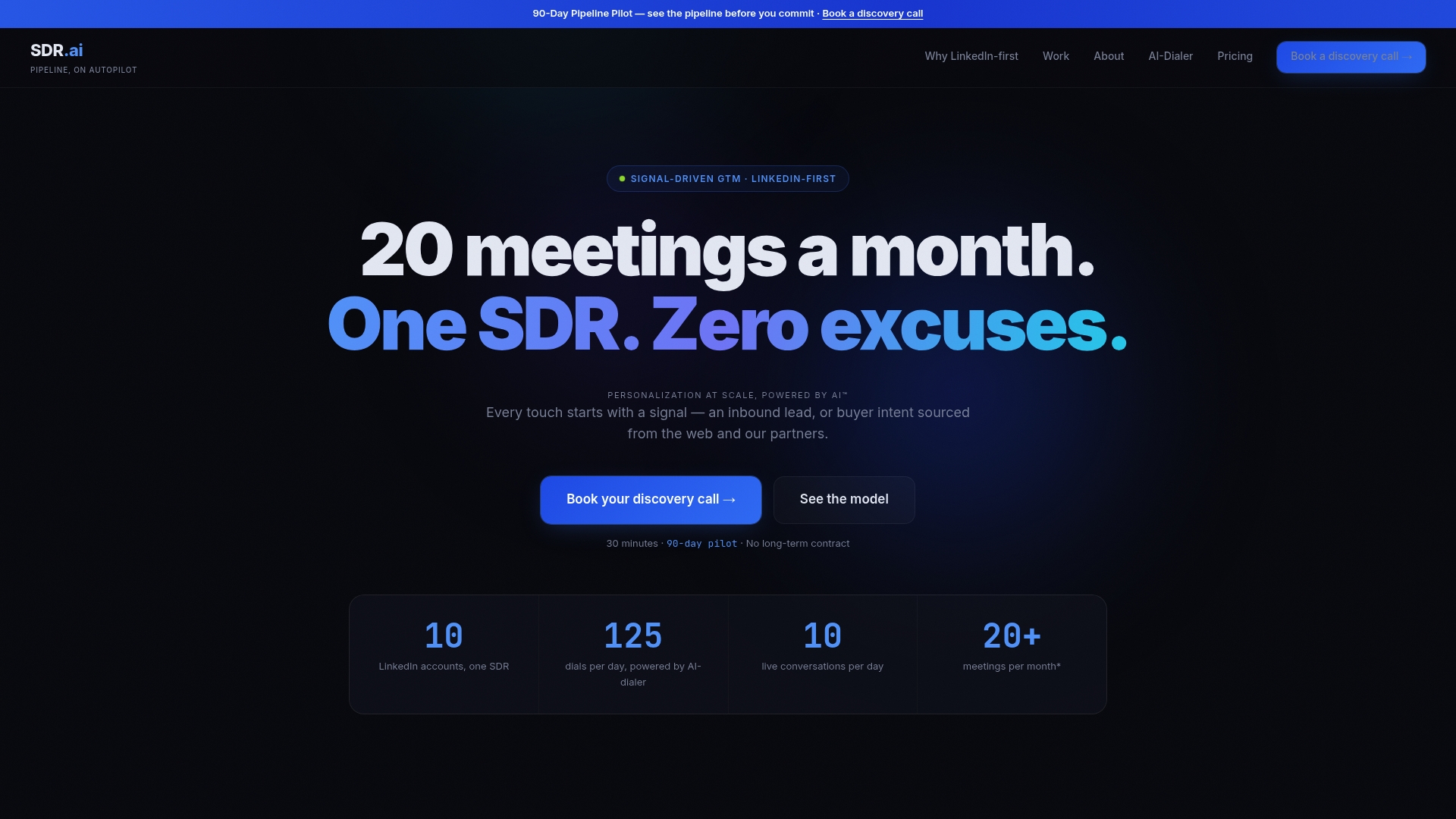
For teams that want the methodology itself rather than a managed service, Sdr walks through the same Data, Digital, Dials structure we use internally, with pricing provided upon contacting sales. If you're already running LinkedIn outreach and want to add warm calling, our AI-Dialer is available as a standalone subscription priced with an annual fee and a separate onboarding charge.
- Best fit: founders and sales leaders at Series A/B companies who need outbound results without building a team.
- Best fit: existing SDR teams that want to pair LinkedIn signals with faster call follow-up.
- Not a fit: individual reps looking for a free tool or DIY templates.
See how the engine works on our about page, or book a demo to walk through your own ICP and signal setup.
FAQ
How do I effectively use Sales Navigator for targeting?
Start by mapping your ICP into the core filters (industry, company size, title, seniority, location) and save that search, then layer in Boolean logic to catch title variants. Turn on Account IQ and Lead IQ alerts so the search stays current with job changes and buying signals instead of going stale.
What is the 4-1-1 rule on LinkedIn?
The 4-1-1 rule is a content ratio guideline suggesting four pieces of educational or third-party content, one soft promotional post, and one hard sales post for every six updates shared. It's a social posting cadence concept rather than a Sales Navigator targeting feature.
What is the purpose of Sales Navigator?
Sales Navigator exists to help sellers find, track, and engage buyers who match a defined target profile, using advanced filters, Matched Audiences, and real-time signals like Account IQ. It replaces manual LinkedIn searching with a structured, repeatable targeting and prospecting workflow.
Can my employer see my LinkedIn messages if I have Sales Navigator?
Sales Navigator is a sales prospecting tool layered on top of a LinkedIn account, and message visibility depends on your organization's LinkedIn account setup, such as a Sales Navigator Team or Enterprise license tied to company administration. Check with your IT or sales operations team about your specific license type, since visibility rules vary by plan and account configuration.
Sources
- Sales Tool | LinkedIn Sales Navigator
- Targeting options for LinkedIn Ads | Sales Navigator Help
- LinkedIn Sales Navigator Pricing (2026): Plans & Costs