
A working sales dialer integration means click-to-call paired with automatic, attribution-ready activity logging: every call attaches correctly to the right contact, company, and deal without a rep touching a keyboard. Before choosing or installing any dialer, run a phone-data and ownership audit. That single step determines whether the integration works on day one or produces months of bad reporting.
TL;DR:
- Phone number normalization and strict identity matching are essential to ensure calls log correctly and prevent activity from vanishing.
- Integrating a dialer through marketplace apps with webhook layering helps maintain control over call data and reporting accuracy.
- Running a baseline manual logging audit for two weeks before integration provides a clear comparison for time savings and call volume improvements.
- Prioritizing fast setup options like click-to-call and browser extensions requires caution, as they depend heavily on browser behavior and may complicate inbound call routing.
- Focusing on accurate mapping, governance of disposition codes, and phased rollout is critical to prevent broken attribution and ensure trustworthy reporting.
Table of Contents
- What you gain by connecting your dialer to the CRM
- How dialer and CRM integrations actually connect
- Getting phone number matching and data ownership right
- Building an activity log that survives an audit
- A rollout checklist that catches problems before reps do
- Where a managed AI dialer removes the friction
- What I would fix first if I only had one sprint
- How SDR.ai turns this checklist into a working system
- Documentation worth bookmarking during setup
- Sources
- FAQ
What you gain by connecting your dialer to the CRM
An integrated dialer removes the manual work that eats a rep's day: no more copying call notes between a phone app and a CRM record, no more tab switching between a dialer and a pipeline view. That time savings compounds across a team, and it shows up first in admin hours, then in call volume, then in reporting accuracy.
- Reps spend less time on data entry and more time on live conversations.
- Power and progressive dial modes push more connects per hour because the system, not the rep, manages the queue.
- Consistent activity logging means deals move through the pipeline with a clear trail of who called whom and when.
- Associating dialer events to deals and companies gives managers a full picture of account activity instead of isolated call records.
The reporting benefit is often the one that gets the project funded. When every call logs the same way, pipeline reports stop relying on guesswork and start reflecting what reps actually did.
Pro Tip: Run a two-week baseline of manual call logging before integrating, so you have a real comparison point for time saved and volume gained.
How dialer and CRM integrations actually connect
There are four common patterns, and the right one depends on how much control your team needs versus how fast you want to launch.
- Click-to-call and browser extensions deploy the fastest but come with caveats: they depend on browser and operating system behavior, and inbound calls often require the calling window to stay open to route correctly, as HubSpot's calling app integration guide describes.
- Calling apps or SDKs support inbound routing more reliably but usually require the provider's calling window to remain active, admin-level installs, and explicit user mapping between the phone system and CRM seats.
- API and webhook-driven logging gives the most control: outcomes, call recordings, transcripts, and custom fields sync in both directions, which matters for teams that need more than a basic call note.
- Native marketplace apps versus custom builds is a speed-versus-control tradeoff. A marketplace app installs in an afternoon; a custom build takes longer but lets you enforce your own field mapping and disposition rules from day one.
Most sales teams start with a marketplace calling app connected through the CRM dialer integration framework and layer in webhook logic later for recordings or custom reporting. The mistake is treating click-to-call as the whole project. It is the visible part. The invisible part, the part that determines whether your reports are trustworthy, is identity matching.
Getting phone number matching and data ownership right
Nothing breaks a dialer integration faster than mismatched phone numbers. If a contact's number is stored as "(555) 123-4567" in one system and "+15551234567" in another, the call never logs to the right record, and the rep's activity vanishes from that contact's timeline.
- Normalize every phone number to a consistent international format, including country code and area code, before connecting any dialer.
- Set deterministic rules for how a call attaches to a contact, then a company, then a deal, so there is never ambiguity about ownership.
- Build precedence rules for shared numbers and duplicate records, such as a front-desk line used by multiple contacts, so calls route to the correct owner instead of the first match found.
- Centralize your disposition taxonomy and restrict who can add custom outcomes, so reporting stays comparable across quarters.
Microsoft Teams' integration with HubSpot is a clear example of why this matters: automatic logging requires an admin-level app install, explicit user mapping, and an exact phone number match down to the country and area code, according to HubSpot's Teams logging documentation. Skip that setup and calls simply fail to log, silently.
Pro Tip: Treat identity mapping as a data project, not a dialer setting. Run a matching test on a sample of 200 to 300 real contacts before connecting live call volume.
Building an activity log that survives an audit
A call record is only useful if it captures more than the fact that a call happened. HubSpot's activity model recommends logging outcome, direction, duration, type, notes, and associations for every call, with default outcomes covering the most common scenarios, according to HubSpot's activity logging guidance.
- Direction: inbound or outbound, logged automatically by the dialer.
- Outcome: a governed disposition such as Busy, Connected, Left voicemail, No answer, or Wrong number.
- Duration: the exact call length, used for both coaching and capacity planning.
- Owner and associations: the rep who made the call and the contact, company, and deal it ties to.
- Recording or transcript link: attached when the calling provider exposes that metadata, which supports coaching and quality review, as outlined in Salesforce's CTI integration reference.
HubSpot's default call outcomes include Busy, Connected, Left live message, Left voicemail, No answer, and Wrong number, and the platform recommends governing any custom outcomes centrally rather than letting individual reps or teams create their own labels. That governance is what keeps a quarter-over-quarter connect rate comparable instead of muddied by inconsistent tagging.
Retention policy matters here too. Decide up front how long recordings stay attached to a record and who can access them, since that intersects with both compliance requirements and coaching workflows.

A rollout checklist that catches problems before reps do
Skip a sandbox phase is the single most common reason integrations fail in production. A phased rollout catches the edge cases that a demo environment never shows you.
- Pre-deployment: clean contact data, normalize phone numbers, map every rep to a CRM owner and phone extension, and confirm calling and logging permissions for each role.
- Sandbox testing: verify identity matching on a sample data set, test inbound call routing with the calling window open and closed, check mobile permission flows on both Android and iOS, and confirm recording links attach where expected.
- Set acceptance criteria before go-live: aim for 95% or higher correct call-to-contact matching, verify disposition mapping against your governed taxonomy, and confirm recordings attach on every call type that should carry one.
- Roll out in phases: start with a small pilot team, expand to a full department once KPIs hold steady, then roll out company-wide while tracking calls logged per rep, time saved versus your baseline, and any shift in conversion rate.
Device and browser permission checks deserve their own line item in this checklist. Mobile logging depends on app-level permissions and periodic contact syncs, and Android and iOS handle those permissions differently, per HubSpot's mobile calling documentation. Treat that as a pilot test, not an assumption.
Where a managed AI dialer removes the friction
Most of the work described above, phone normalization, user mapping, disposition governance, is exactly what slows internal teams down. An AI-dialer approach that bakes these rules into onboarding, rather than leaving them to a rep-by-rep setup process, shortens the path from install to usable data.
- Parallel dialing increases connect attempts per hour without adding headcount.
- Intent-prioritized call lists put reps on the accounts most likely to convert, instead of working a flat list top to bottom.
- Onboarding that enforces phone number normalization and owner mapping up front avoids the matching failures that plague self-managed integrations.
When evaluating any AI-dialer or managed service, ask for a sample reporting dashboard and a stated ramp timeline before signing anything. Those two artifacts tell you whether the vendor actually solves the identity-matching and disposition-governance problems, or just adds another dial button on top of the same broken data.
Pro Tip: Ask any dialer vendor how they handle shared numbers and duplicate contacts during onboarding. Their answer tells you how seriously they take data quality.
What I would fix first if I only had one sprint
Given limited engineering time, identity mapping and permission mapping come before dialing volume, every time. A dialer that makes ten times more calls with broken attribution just produces ten times more bad data.
Treat your disposition list as a product feature, not a dropdown menu. Version it, document what each outcome means, and control who can add to it. Then run a small pilot, on one team, for two to four weeks, and prove that attribution holds before you scale to the full sales floor. Speed without accuracy is not a shortcut. It is a bigger cleanup job later.
— Chad
How SDR.ai turns this checklist into a working system
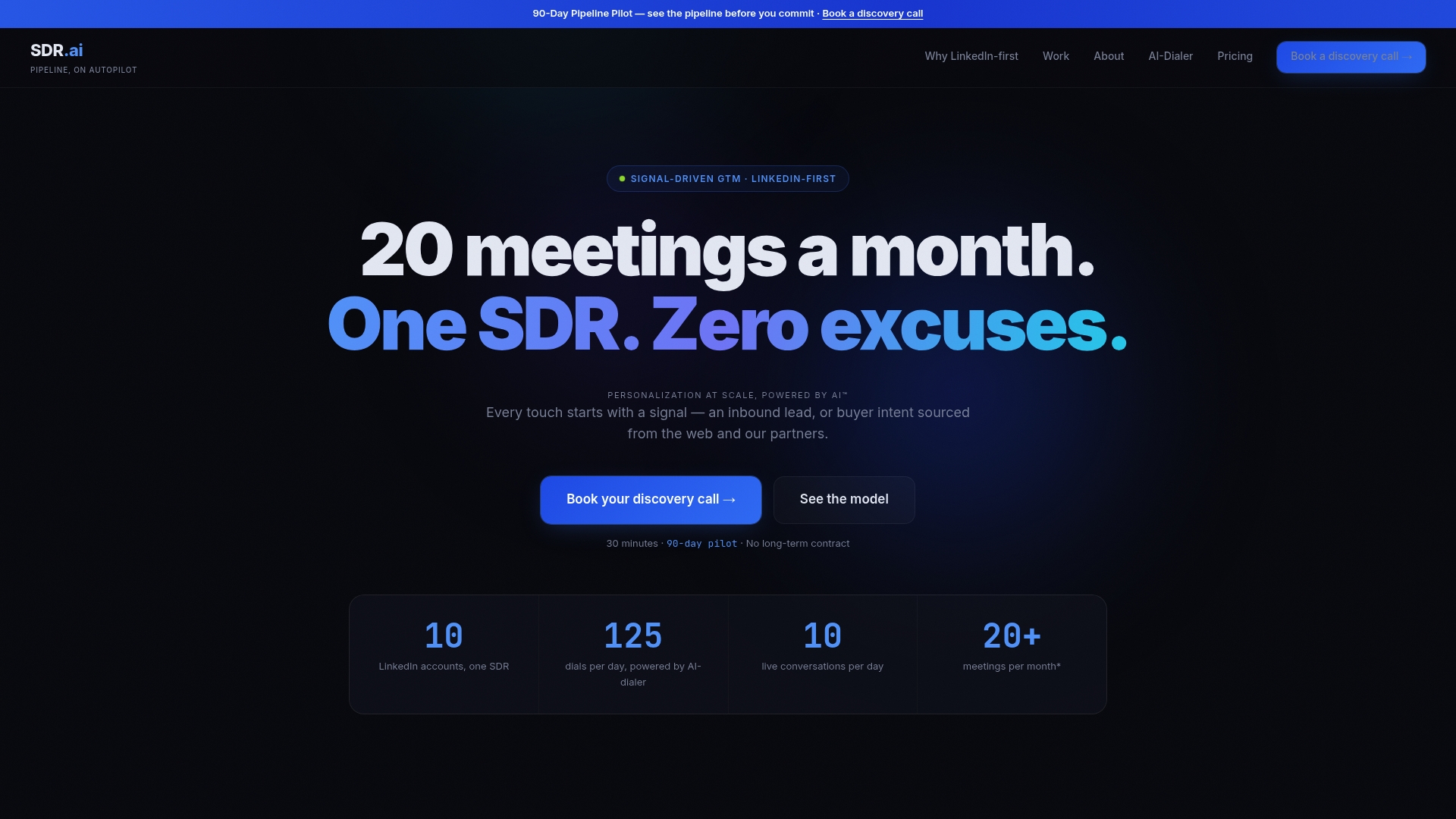
SDR.ai's AI-Dialer is built around the same priorities this playbook lays out: parallel dialing to raise connect volume, intent-based list prioritization so reps call the right accounts first, and onboarding that maps phone data and ownership before a single call goes out. For teams that want the integration handled end to end rather than built in-house, the AI-Powered Outbound service pairs the dialer with a managed AI SDR that handles outreach and reply management directly.
- The AI-Dialer plan runs with a one-time onboarding fee, covering setup of phone mapping and initial call routing; current prices are on the pricing page.
- AI-Powered Outbound runs with a monthly fee and a setup fee, and includes SDR.ai's stated focus on ICP-based targeting and intent signals; current prices are on the pricing page.
- The Sdr offers a structured onboarding path for teams that want a documented playbook rather than a fully managed service.
| Offer | What it covers | Price |
|---|---|---|
| AI-Dialer | Parallel dialing, intent-prioritized lists, onboarding mapping | $2,400 per year plus $500 onboarding |
| AI-Powered Outbound | Managed outreach, warm calling, reply handling | $2,500 per month plus $500 setup |
| Sdr | Structured onboarding playbook | Price available on request |
SDR.ai states it often books many qualified meetings a month for clients with minimal added manpower, a figure the company presents as its own performance claim rather than an independent benchmark. If your team wants to see how the dialer and outbound service handle your specific data, book a demo and ask to review a sample reporting dashboard before committing.
Documentation worth bookmarking during setup
Keep these open while you configure logging: HubSpot's calling app integration guide for click-to-call specifics, HubSpot's Teams logging docs for phone-matching constraints, and HubSpot's activity logging fields guide for the full field list. For platform-specific CMS and integration context, Babylovegrowth is a useful reference.
FAQ
What is the best dialer system for sales?
The right choice depends on your CRM, call volume, and whether you need parallel dialing or simple click-to-call. Compatibility with your CRM's phone matching and disposition fields matters more than any single feature list, so test identity matching before committing to one platform.
Is an autodialer illegal?
Autodialers are legal in most jurisdictions but are subject to consent, registration, and calling-hour rules that vary by country and region. Check your local telemarketing and telecom regulations, since a rule that applies in one market may not apply in another.
What is a sales dialer?
A sales dialer is software that automates outbound calling, ranging from simple click-to-call tools to power and parallel dialers that queue multiple calls per rep. When connected to a CRM, it logs call outcome, duration, and associations automatically instead of requiring manual entry.
Does Salesforce have a dialer?
Salesforce offers Sales Dialer as part of its calling tools, letting reps place calls directly from CRM records, according to Salesforce's Trailhead documentation. Third-party dialers can also integrate with Salesforce through its CTI framework for teams that need features beyond the native tool.