
HubSpot Sequences automate timed 1:1 emails and tasks that stop the moment a prospect replies, and the one number worth watching is your reply and meeting rate, not opens. If you run sequences today, start by pulling your top-performing sequence and checking its reply rate before touching anything else.
TL;DR:
- The key metric to monitor in sequences is reply and meeting rates, not open rates, which are now largely uninformative.
- Sequences work best for personalized, small-scale outreach such as account-based campaigns or quick follow-ups after events, requiring manual unenrollment upon reply.
- A typical ten-step sequence involves a strategic mix of emails, calls, and social outreach, with shorter, faster sequences for engaged leads and longer campaigns for cold prospects.
- Dynamic sequences can automatically switch contacts to a rep-led path based on engagement signals like opens or clicks, focusing manual effort on the most interested leads.
- Regularly verify inbox connectivity, remove stale contacts, and limit active sequences to prevent deliverability and response rate drops.
Table of Contents
- What Sequences Are and When to Use Them
- Building a Sequence Strategy: Cadence, Personalization, and Task Mix
- Dynamic Sequences and When to Surface Rep Tasks
- Enrollment Rules, Permissions, and Editing Live Sequences
- Measuring Sequences Against Revenue, Not Opens
- Common Mistakes That Quietly Kill Sequence Performance
- Where Automation Ends and Judgment Begins
- Scaling Sequence Results With AI-Augmented Outbound
- FAQ
- Sources
What Sequences Are and When to Use Them
A sequence is a set of timed, personal emails and tasks sent from a connected inbox, built for one-to-one outreach rather than mass marketing. To enroll contacts through a workflow, HubSpot requires a Sales or Service Hub Enterprise subscription and a sender with a connected personal inbox, which keeps sequences tied to a real person rather than a marketing domain (HubSpot documentation).
Sequences fit specific jobs well:
- Account-based outreach where a rep needs to personalize touches for a short list of named accounts.
- Trade-show or event follow-up that needs to go out fast while the conversation is still fresh.
- Targeted outbound to a defined list where reply tracking and automatic unenrollment matter.
Workflows and sequences solve different problems. Sequences send from a personal inbox, track replies, and unenroll automatically when someone responds; workflows send marketing email at scale to many contacts and need an explicit goal to stop sending (HubSpot customer guidance). When you need to nurture thousands of leads with the same content, use a workflow. When you need a rep's voice behind a small, qualified list, use a sequence.
Building a Sequence Strategy: Cadence, Personalization, and Task Mix
Cadence should match prospect temperature. Cold outreach benefits from a longer arc, typically eight to twelve touches spread over three to four weeks, mixing email and manual tasks. Warm leads who have engaged with content can move faster, with several touches over a couple of weeks. Already-engaged prospects, such as demo requesters, need a short turnaround with fewer steps and a clear next action.
Not everything needs custom writing. Standardize the skeleton (subject line structure, send timing, task reminders) and personalize the first line and the call to action based on the account's role, industry, or a recent trigger event. A good first-step message names a specific detail about the prospect's business and asks for a small commitment, not a 30-minute demo. Subject lines that reference a shared context or a direct question tend to outperform generic pitches.
A reasonable task mix for a ten-step sequence:
- Email referencing a specific trigger or pain point.
- Manual LinkedIn connection request.
- Follow-up email with a different angle.
- Call task.
- Email with a resource or case study.
- Second call task.
- Breakup email.
Pro Tip: Keep your breakup email short and direct. It often gets the highest reply rate in the entire sequence.
Dynamic Sequences and When to Surface Rep Tasks

Dynamic sequences let you run automated warming first, then switch engaged contacts onto a rep-led path once they cross a set engagement threshold. Instead of treating every contact the same for ten steps, the sequence editor lets you define opens or clicks as a signal and automatically insert a manual task when that signal fires (HubSpot's dynamic sequence documentation).
A sample flow looks like this:
- Steps one through three run as automated emails to warm the contact.
- A defined signal, such as two opens or one click, triggers the switch.
- The sequence inserts a call task and a LinkedIn connection request for the rep to complete manually.
- Contacts who never hit the threshold continue on the automated path or exit at the final step.
This structure concentrates manual effort on the leads already showing intent, which keeps reps from wasting calls on contacts who have not opened a single email (HubSpot dynamic sequence docs). Availability and configuration depend on your subscription tier and seat permissions, so confirm your team has access before building the logic.
Enrollment Rules, Permissions, and Editing Live Sequences
Before enrolling anyone, confirm the sender has a connected individual inbox and holds a Sales or Service Hub seat; workflow-based enrollment will fail without both, as explained in this detailed HubSpot appointment integration guide.
A few operational guardrails matter once you scale past a handful of contacts:
- Bulk enrollment is capped, and HubSpot throttles sends to a maximum of three sequence emails per minute during bulk enrollment to avoid flooding inboxes (HubSpot's enrollment guide).
- Daily send limits apply per account, so check your remaining capacity before a large push.
- Editing an active sequence does not change the path for contacts already enrolled; apply the new version by manually unenrolling and re-enrolling them at the correct next step (HubSpot's guide to editing active sequences).
- Pilot new sequences on a narrow segment first, verify deliverability, and check scheduled tasks before rolling out to the full list.
Measuring Sequences Against Revenue, Not Opens
Open rates tell you almost nothing useful anymore. The metrics that matter are reply rate, meeting rate, opportunity creation, and the pipeline a sequence influences downstream.
Use sequence enrollment properties and step-level reports to find where a sequence is actually breaking down:
- The "Now in sequence" property and enrollment status show who is stuck and why.
- Unenrollment reasons separate genuine opt-outs from technical failures like a bounced email or disconnected inbox (HubSpot's monitoring guide).
- Step reports reveal which specific email or task is losing people, rather than blaming the sequence as a whole.
Run A/B tests on one variable at a time: subject line, send time, or first-step messaging, with at least 100 contacts per variant and a two-week window before calling a winner. Current guidance frames sequence reporting around qualified replies, meetings, and revenue attribution instead of vanity engagement numbers (HubSpot's 2026 marketing guidance). Connect sequence events to your CRM's deal and contact records so a reply or meeting booked through a sequence shows up against actual pipeline, not just an engagement count.
Common Mistakes That Quietly Kill Sequence Performance
Over-sequencing is the most common failure. Signs include rising unsubscribe rates, a flat or dropping reply rate across multiple sequences, and reps complaining that contacts already heard from three other sequences this month.
- Add fatigue controls: cap how many active sequences a contact can be in at once and lower cadence frequency for cold segments.
- Audit your enrollment list before every send: remove bounced, unsubscribed, or clearly stale contacts rather than letting a workflow sweep them in automatically.
- Check inbox connectivity regularly. A disconnected sender inbox silently stalls every contact in that sequence without an obvious alert.
- When performance drops, check unenrollment reasons, scheduled task backlogs, and queued-but-unsent steps before assuming the message itself is the problem (HubSpot's monitoring guide).
Pro Tip: A sudden reply-rate drop across every sequence usually points to a deliverability or inbox connection issue, not suddenly worse copy.
Where Automation Ends and Judgment Begins
Sequences handle timing and consistency well, but deciding which signal matters, which account deserves a call instead of another email, and when to break the cadence entirely still takes a person paying attention. The strongest outbound programs treat sequences as one channel inside a larger system of calls, LinkedIn, and CRM data working together, not the whole engine.
— Chad
Scaling Sequence Results With AI-Augmented Outbound
When sequence volume outpaces your rep capacity, or when you need qualified meetings faster than you can hire and ramp an SDR, an AI-augmented option can fill the gap. We built Sdr around LinkedIn-first outreach to your ICP, paired with a human SDR who handles every reply, so the handoff from automation to a real conversation never gets dropped.
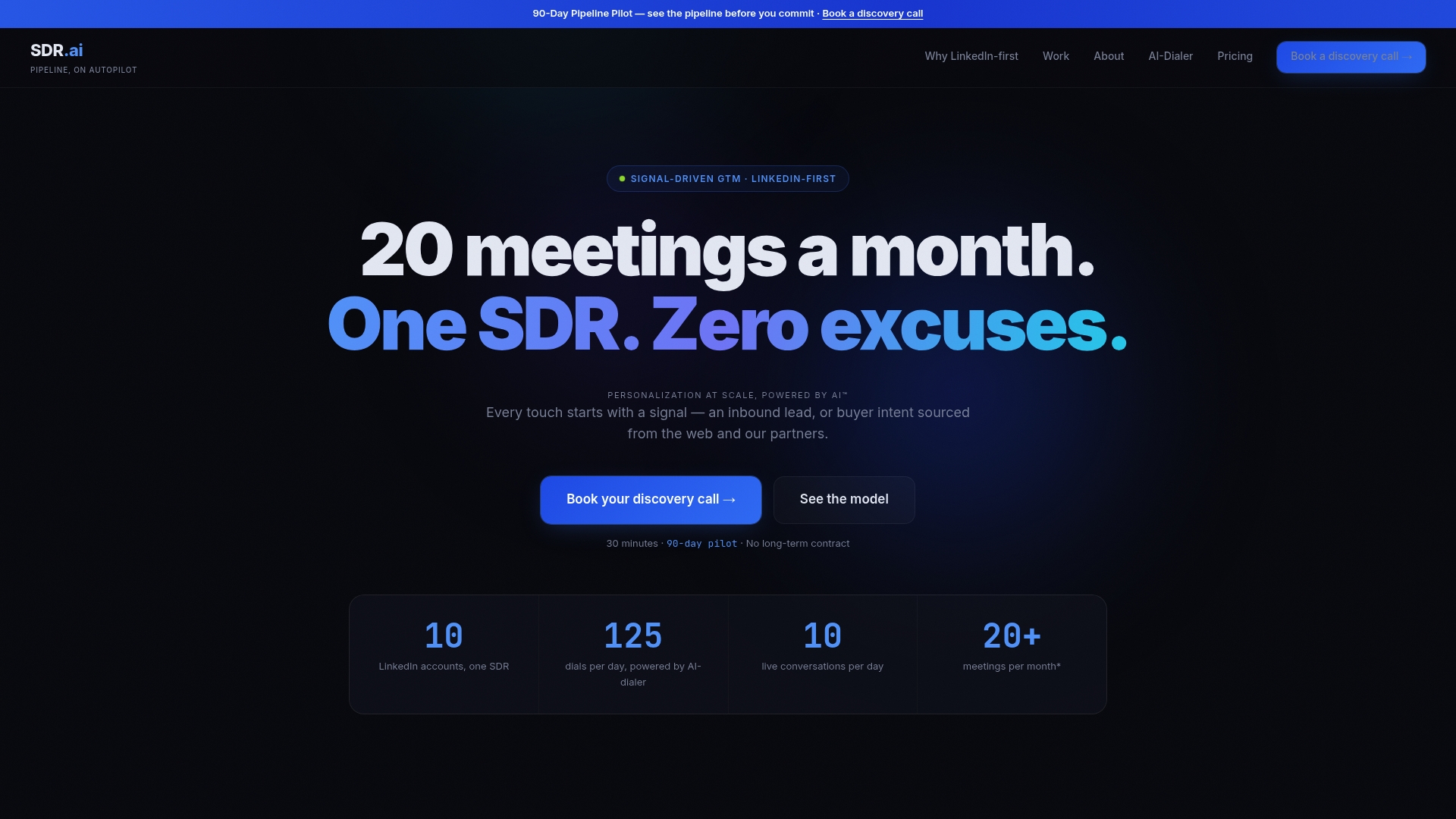
Teams considering this route are usually the ones watching meeting volume stay flat despite more sequences, or trying to scale outbound without building a full SDR team from scratch. If that sounds familiar, visit Sdr and book a demo to see how the setup works alongside the sequences you already run.
FAQ
What is the difference between HubSpot workflows and sequences?
Sequences are 1:1 sales emails sent from a connected personal inbox that track replies and unenroll contacts automatically once they respond. Workflows send marketing emails to many contacts at once and require an explicit goal to stop sending, since they do not unenroll on reply by default (HubSpot customer guidance).
How do dynamic sequences decide when to create a rep task?
Dynamic sequences watch for engagement signals like opens or clicks and switch a contact from the automated path to a rep-led task once a defined threshold is reached. Teams set these thresholds and the resulting manual steps directly in the sequence editor (HubSpot's dynamic sequence documentation).
Why do edits to an active sequence not apply to everyone already enrolled?
HubSpot applies sequence edits only to new enrollments, so contacts already in progress stay on the version they started with. To update them, you need to manually unenroll and re-enroll each contact at the correct next step (HubSpot's guide to editing active sequences).
Who is a common alternative to HubSpot for sales teams?
Sales teams evaluating sequence tools often also look at other CRM and sales engagement platforms, and the right choice depends on existing CRM investment, team size, and budget. Teams that need more outbound capacity without expanding their CRM platform sometimes pair HubSpot with an AI-powered outbound service like Sdr instead of switching tools entirely.