
The fastest way to improve outbound personalization and meeting conversion is targeted, real-time enrichment focused on a small set of fields, not a broad data purchase. Prioritize contact verification, role and title, firmographics, technographics, and recent intent signals. Use real-time enrichment for inbound capture and SDR triage, and batch enrichment for building prospecting lists, so every record carries the context a rep or an AI system needs before the first touch.
TL;DR:
- Enrichment should focus on high-impact fields like verified email, job title, phone, company, headcount, and industry for efficient outbound routing.
- Real-time enrichment during lead capture or inbound triage is more effective than batch processes for maintaining current, relevant data.
- Using a waterfall workflow that escalates from low-cost to high-cost providers helps control costs and maximize match rates.
- Enrichment must be integrated into CRM and automation workflows with clear ownership, thresholds, and validation to prevent data staleness and ineffective outreach.
- Measuring KPIs such as match rate, correct contact, bounce rate, and outreach response rates is critical for assessing and improving enrichment ROI.
Table of Contents
- What to enrich for outbound: minimal and high-impact fields
- When and how to enrich: real-time, batch, and waterfall patterns
- Integrations and automation: wiring enrichment into CRM, MAP, forms, and routing
- Measuring impact: KPIs, experiments, and dashboards that prove ROI
- Common pitfalls and a quick best-practices checklist
- How enrichment powers AI-driven outbound at SDR.ai
- Put enrichment to work with SDR.ai
- FAQ
- Sources
What to enrich for outbound: minimal and high-impact fields
Not every field moves the needle. For outbound, a minimum viable enrichment set covers verified email, job title, direct phone, company name, headcount, and industry. These six fields let you route a lead correctly and open with something more specific than a company name.
A second tier of enrichment adds leverage once the basics are in place:
- Technographics, such as the tools or platforms a company already runs, which tell you whether your product fits their stack.
- Funding and hiring triggers, which flag companies actively investing in growth and more likely to buy.
- Role mapping to buyer personas, which routes a VP of Sales differently than a sales ops manager even inside the same account.
- Behavioral and intent signals, which show who is researching a problem right now instead of six months ago.
The difference shows up immediately in message quality. A cold email with only a company name reads like "I wanted to reach out to Acme Corp about our platform." The same message with title and a hiring trigger reads like "Saw Acme is scaling its SDR team this quarter, here's how we cut ramp time for similar teams." One gets ignored, the other gets a reply.
Treating enrichment as a live signal feed rather than a one-time cleanup pays off in timing, according to IBM's analysis of AI SDR workflows, which found that top-performing teams prioritize real-time signals like hiring and funding over static profile data to keep outreach current.
One caution: enrichment is only as good as its source. IBM notes that enterprise programs typically combine first-party data with a short list of trusted third-party providers and document where each field came from, which matters when a prospect asks how you got their information.
When and how to enrich: real-time, batch, and waterfall patterns
Timing determines whether enrichment helps or just adds cost. Real-time enrichment fits three moments: the instant a form is submitted, when an inbound lead needs triage, and when a lead drops into an SDR's queue and needs context before the first call. Batch enrichment fits list building for new campaigns and periodic refreshes of existing accounts, typically on a quarterly cycle or whenever a account shows signs of change.
Most teams waste money by hitting every provider for every record. A waterfall workflow fixes that by ordering providers from cheapest and highest-coverage to most expensive and most accurate, escalating only when the cheaper source fails to find a match:
- Query a low-cost, high-coverage provider first for basic contact and firmographic data.
- Escalate unmatched records to a mid-tier provider for better phone or technographic coverage.
- Reserve the most expensive, highest-accuracy provider for records that still need verification before outreach.
- Log every match outcome so the sequence can be tuned over time.
This pattern is a common way to control enrichment spend while keeping match rates high. Set freshness thresholds so records older than a defined window automatically re-enrich before they reenter a sequence, and build trigger rules so job changes or funding events force a refresh regardless of age.
Pro Tip: Route form fills and inbound replies through real-time enrichment first; everything else can wait for the next batch run.
Integrations and automation: wiring enrichment into CRM, MAP, forms, and routing
Enrichment only matters if it changes what happens next. The standard pattern is an API or webhook call triggered at the moment of capture, whether that is a form submission, a CRM record creation, or a marketing automation platform (MAP) event, with results written back before the lead reaches a rep. A step-by-step CRM integration guide walks through this exact flow for teams wiring enrichment into existing lead capture.
Once data lands in the CRM, mapping matters as much as the enrichment itself:
- Map verified contact fields into lead scoring so unreachable records do not inflate pipeline numbers.
- Map firmographic and technographic fields into assignment rules so the right rep or sequence picks up the lead automatically.
- Set match-confidence thresholds that route high-confidence matches into active sequences and send low-confidence matches to a manual review queue instead of straight to outreach.
- Trigger a different cadence or message variant based on role, since a founder and an individual contributor need different framing.
A practical guide to CRM workflow automation covers routing and assignment patterns that apply directly here.
Test every rule change on a small batch before rolling it out, log what each enrichment call changed on the record, and keep a rollback path so a bad provider update does not silently propagate incorrect titles or phone numbers across your active pipeline.
Measuring impact: KPIs, experiments, and dashboards that prove ROI
Enrichment is only worth the spend if it moves the metrics that matter: match rate, valid contact rate, bounce rate, replies or meetings per 1,000 contacts, and pipeline influenced by enriched records versus unenriched ones.
| Metric | What it tells you |
|---|---|
| Match rate | Share of records enrichment successfully identified |
| Valid contact rate | Share of enriched contacts that are reachable |
| Bounce rate | Share of enriched emails that fail to deliver |
| Meetings per 1,000 contacts | Outreach efficiency after enrichment |
| Pipeline influenced | Revenue tied to enriched versus unenriched segments |
A simple test design works well: split a prospecting list randomly, enrich one half with your full field set and leave the other with baseline data, then measure reply and meeting rates over a fixed window, typically two to four weeks, long enough to capture a full outreach cadence.
Build a dashboard around four widgets: match rate by provider, bounce rate trend, meetings per 1,000 by segment, and an alert when match rate drops below a set threshold, which usually signals a provider issue rather than a list problem. Bad data carries measurable costs to pipeline performance, according to Gartner's research on B2B buying behavior, which is reason enough to track these numbers instead of assuming enrichment is working.
Attribution gets messy with multiple touches, so treat pipeline influence as directional evidence, not a single source of truth.
Common pitfalls and a quick best-practices checklist
The most common mistake is treating enrichment as a one-time setup instead of a maintained system. Records go stale, match confidence drifts, and teams keep enriching fields nobody uses while ignoring the ones that drive replies.
A short checklist keeps the program honest:
- Audit a sample of enriched records monthly to confirm match accuracy still holds.
- Enforce your minimum viable field set before any record enters active outreach.
- Set a re-enrichment cadence tied to record age and trigger events, not a calendar guess.
- Assign field ownership so someone is accountable when a provider's data quality slips.
When records come back stale or low-confidence, pull them out of active sequences, re-run them through the waterfall, and only reintroduce them once verification passes.
Pro Tip: If a field has not changed outreach behavior in the last quarter, stop paying to enrich it.
How enrichment powers AI-driven outbound at SDR.ai
We built SDR.ai's approach around a simple rule: enrichment should change what happens next, not just fill a field. We prioritize intent signals and role fit first, which is how our AI SDR workflows decide who gets a message today versus who waits. Our AI-Dialer depends on that same verified contact data to keep dial attempts productive instead of wasted on bad numbers.
The operational lesson we keep relearning: teams that treat enrichment as live routing logic convert more of their list than teams that treat it as a database cleanup chore.
— Chad
Put enrichment to work with SDR.ai
Enrichment tells you who to contact and why. SDR.ai turns that into booked meetings by combining signal-driven targeting with LinkedIn-first outreach, personalized messaging, and AI dialing, so the enriched data actually drives outbound instead of sitting in a CRM field.
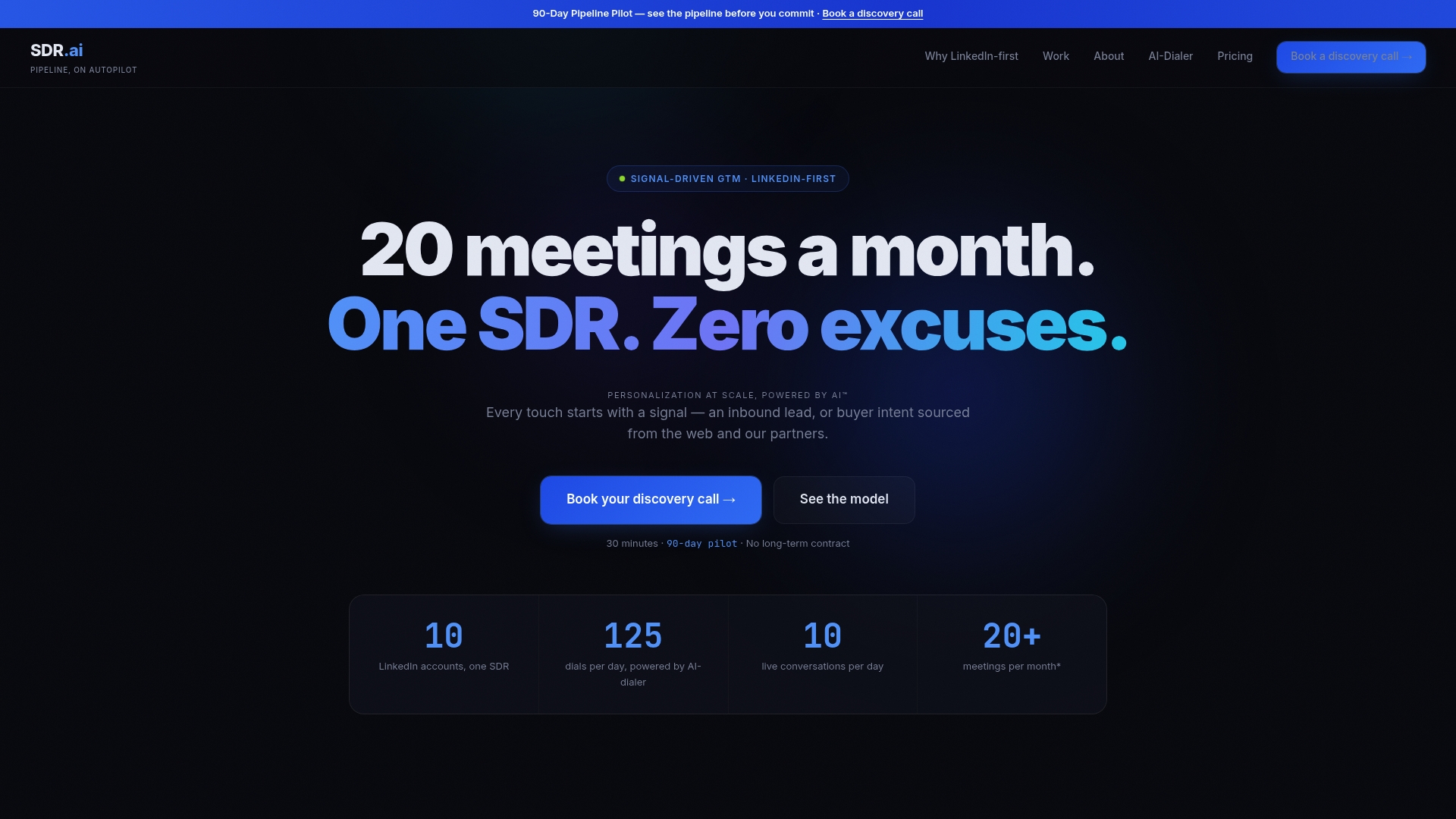
What that looks like in practice:
- A human SDR handles every reply, so enrichment feeds a real conversation, not a bot script.
- Outreach stays focused on your ICP and current intent signals rather than a generic contact list.
- Pricing is transparent: AI-Powered Outbound runs $2,500 per month with a $500 one-off setup fee, and the AI-Dialer is available separately at $2,400 per year with a $500 onboarding fee.
If you want a roadmap first, Sdr walks through how we operationalize data, automation, and dialing into one system. Ready to see it on your own pipeline? Book a demo and we will show you what enrichment-driven outbound looks like for your ICP.
FAQ
What are some examples of data enrichment?
Common examples include adding verified email and phone numbers, job title, company headcount and industry, technographic details, and intent signals like hiring or funding activity to an existing contact record. IBM describes these as firmographic, contact, and behavioral enrichment types, each serving a different part of the outbound workflow.
What is the best tool for data enrichment?
There is no single best tool. The right choice depends on your field priorities, budget, and whether you need real-time or batch enrichment, which is why most teams use a waterfall of providers ordered by cost and coverage instead of relying on one source.
What does data enrichment mean?
Data enrichment means supplementing an existing record with external or internal information, such as contact details, firmographics, or behavioral signals, to make that record actionable for sales and marketing. IBM's overview frames it as turning a bare lead into a record a rep can act on directly.
Can AI be used for data enrichment?
Yes. AI can automate matching across multiple data sources, detect when a record has gone stale, and help prioritize which signals matter most for a given account, which is central to how modern AI-driven outbound workflows operate.