
The fastest reliable way to build targeted Sales Navigator lists is to define your ideal customer profile, choose between account lists and lead lists, layer filters like seniority, function, and company headcount with Boolean keyword queries, then save, monitor, export, and enrich before importing to your CRM. Start with seniority, company headcount, and function as your primary filters. Expect a handful of qualified matches per narrow search, then widen only if volume runs short.
TL;DR:
- Using seniority, function, and company headcount filters, start with narrow searches to find around 50 to 100 qualified companies before broadening.
- Building account lists before lead lists reduces noise and improves list quality, especially when targeting specific industries, geographies, or technologies.
- Segment voice and LinkedIn searches by region or vertical to stay within search limits and facilitate more accurate review and enrichment.
- Always validate lists with a random sample of profiles and sample 50 contacts to ensure relevance before exporting and outreach.
- Maintaining data hygiene through standardization, deduplication, and regular list refreshes improves deliverability and campaign results.
Table of Contents
- Choosing account lists vs. lead lists before you plan a campaign
- Step one: build account lists with company filters and saved searches
- Step two: build lead lists by stacking seniority, function, and title filters
- Boolean and keyword templates you can copy directly
- Save searches, set alerts, and keep lists moving week to week
- What to do after you save a list: export, enrich, and verify
- Clean your data before it reaches the CRM
- Measuring list quality and knowing when to rebuild
- How SDR.ai applies this workflow in practice
- What teams get wrong when building lists
- A managed path for teams that would rather not build lists by hand
- Where to verify filter names, limits, and examples
- Sources
- FAQ
Choosing account lists vs. lead lists before you plan a campaign
Before opening a single filter, decide what you are actually hunting for. An account list is a curated set of companies. A lead list is a curated set of people. Picking the wrong starting point wastes the rest of your build.
Run through a short ICP checklist first: industry, company size, the specific use case your product solves, geography, and the technologies the account already runs. Each of those becomes a filter later, so vague answers here produce vague lists later.
- Account lists work best for account-based marketing, where you want a clean, finite set of target companies with minimal noise.
- Lead lists work best for SMB and volume plays, where you are casting across many companies to reach a specific role.
- A combined approach, saving accounts first and then searching leads inside them, gives you both precision and scale.
Plan the work in three stages: target definition, filter design, and validation. Target definition is where you write down your ICP in plain language. Filter design is where you translate that language into actual Sales Navigator fields. Validation is where you sample the results before committing to a full export. Skipping the third stage is the single most common reason lists underperform once they hit outreach.
Step one: build account lists with company filters and saved searches
Account lists give you a stable base to search leads against, and practical guidance on list building recommends saving qualified companies to a custom list before running any lead search, since starting from accounts typically produces less noise than searching leads cold. That single sequencing choice changes how clean your final list turns out.
- Open Company search and apply keyword, industry, and location filters that match your ICP checklist.
- Add company headcount bands to approximate company size when revenue data is not available.
- Filter by technologies used when your product integrates with, replaces, or competes with specific software.
- Review the first page of results and save qualifying companies to a new custom account list, named by campaign or territory (for example, "Q1 Fintech US 200-1000").
- Once the account list reaches a workable size, switch to Lead search and scope it to leads working inside that saved list.
Naming conventions matter more than they seem to. A list called "Leads" six months from now tells you nothing. A list called "Healthtech EMEA 50-500 Q2" tells you exactly what it is, when it was built, and whether it is still relevant.
Pro Tip: Save accounts in batches of 50 to 100 so you can audit relevance before the list grows too large to clean up later.
Step two: build lead lists by stacking seniority, function, and title filters
Lead lists need more layering than account lists because people have inconsistent job titles even inside the same function. Start broad, then narrow.
- Begin with seniority level and function together. This catches the right band of decision-makers without yet worrying about exact title wording.
- Add title keyword variants in the same filter to catch "VP of Marketing," "Head of Marketing," and "Marketing Director" in one pass.
- Layer company headcount as a rough proxy for company size and budget authority.
- Use shared connections, groups, or recent activity as a secondary signal when deciding which leads to prioritize first.
Sales Navigator caps each search at a workable ceiling, and filter documentation on searching Sales Navigator notes that Premium account searches have a limit on the number of leads they return; if a search exceeds this limit, it must be segmented to access the full results. The practical fix is segmentation: split by geography, by vertical, or by headcount band rather than trying to force one search to cover everything.
A search that returns 2,500 leads of mixed quality is less useful than four searches of 600 each, segmented by region, because each smaller list can be reviewed, tagged, and exported with its own context intact.
Boolean and keyword templates you can copy directly
Boolean operators let you catch title variations and exclude roles that look relevant but are not. The same keyword field that finds your buyer can also surface recruiters, consultants, and vendor staff if you do not exclude them.
A marketing template might read: ("VP Marketing" OR "Head of Marketing" OR "Marketing Director") AND ("demand gen" OR "growth"). An IT template: ("IT Director" OR "VP IT" OR "Head of Infrastructure") AND "cloud migration". A finance template: ("Controller" OR "VP Finance" OR "Finance Director") NOT ("recruiter" OR "consultant" OR "agency").
| Role target | Keyword pattern | Exclusion clause |
|---|---|---|
| Marketing leadership | "VP Marketing" OR "Head of Marketing" | NOT "agency" |
| IT and infrastructure | "IT Director" OR "VP IT" | NOT "consultant" |
| Finance leadership | "Controller" OR "VP Finance" | NOT "recruiter" |
| Sales leadership | "VP Sales" OR "Head of Sales" | NOT "freelance" |
Before saving any list built from a Boolean string, run a quick relevance check: pull a sample of 50 profiles and skim titles and summaries for fit. If a meaningful share of that sample looks off-target, tighten the string before you scale it to hundreds of contacts.
Save searches, set alerts, and keep lists moving week to week
A saved search without an alert is just a snapshot that goes stale. Setting up alerts is what turns a one-time list build into a live pipeline source.
- Save the search once your filters are finalized, giving it the same naming convention you used for account lists.
- Turn on alerts so Sales Navigator notifies you when new profiles match the criteria, catching new hires and job changes automatically.
- Tag leads as you review them (for example, "new," "qualified," "contacted") so the list stays traceable back to its source when it syncs to your CRM.
- Build a weekly cadence: refresh saved searches on Monday, qualify new matches by Wednesday, and queue qualified leads for outreach by Friday.
Tagging at the point of review, rather than after export, saves a second pass later.
What to do after you save a list: export, enrich, and verify
A saved list inside Sales Navigator is not yet usable for outreach. It needs to leave the platform in a clean, mapped format before a CRM or sequencing tool can touch it.
- Export fields consistently every time (name, title, company, location, profile URL) so CSV imports do not break on missing columns.
- Prioritize enrichment that fills real gaps: verified email, company revenue proxies, and technology stack data matter more than vanity fields.
- A practical 6-step pilot for enriching LinkedIn leads walks through routing verified local decision-makers after export, which is a useful reference when you are setting up enrichment for the first time.
- Before committing to any enrichment vendor, check four things: data coverage for your target market, accuracy rate on verified emails, whether exports support both API and CSV, and how often the underlying data refreshes.
- Treat email verification as a compliance step as well as a quality step. Bounced or mismatched emails hurt deliverability for every campaign after them.
Enrichment vendors vary widely on accuracy, and third-party review platforms are a reasonable signal-check when comparing tools, since user feedback on export reliability tends to be more current than vendor marketing pages.
Clean your data before it reaches the CRM
Dirty data compounds. A duplicate lead that slips through at import stays duplicated in every report afterward, so hygiene has to happen before the CRM sees the file, not after.
- Standardize titles and company names before import so "VP of Mktg" and "VP Marketing" are not treated as different roles.
- Deduplicate on a combination of email and company domain rather than name alone, since names repeat across companies far more often than emails do.
- Import in batches of a few hundred rather than one massive file, so a mapping error affects a batch instead of the whole list.
- Map every field on arrival: lead source, campaign name, ICP tag, and owner, so the record is traceable months later.
Pro Tip: Check suppression lists before every import so leads who already opted out or went cold in a prior campaign do not get recontacted and burn goodwill.
Measuring list quality and knowing when to rebuild
A list is only as good as what it produces downstream, so track it past the export step rather than stopping at "list saved." The four KPIs that matter most are match rate (how many results fit your ICP on review), response rate, meeting rate, and pipeline generated per 100 contacts.

Operational benchmark: a common validation practice is to sample 50 profiles from a new list and score each on a simple relevance scale, requiring a strong average score before exporting lists larger than 200 contacts. That single check catches most filter mistakes before they reach outreach.
Run A/B tests by segment: split a list by seniority band or by industry vertical and send each segment a different message template, then compare response rates after a full week. If match rate on a fresh sample is low, refine the filters first. If response rate stays low even with a high match rate, the targeting is fine and the message or channel needs the rework instead.
How SDR.ai applies this workflow in practice
SDR.ai builds outreach the same way this guide describes: starting from a tightly defined ICP, layering intent signals on top of standard Sales Navigator filters, and treating list quality as the gate before any message goes out. The difference is that the filtering and validation work is handled as part of a managed service rather than a manual weekly task.
The Sdr documents this as a data, digital, and dialing sequence: build the list, run LinkedIn-first outreach with personalized messaging, and follow up with warm calls placed through an AI dialer rather than a cold call script. The methodology behind the approach is built around human SDRs handling every reply, so the automation stays focused on finding signal, not on replacing the conversation itself.
For teams that want to see the full workflow applied to their own ICP rather than running it themselves, the Blueprint and the AI-Dialer product page both walk through how list building connects to booked meetings in practice.
What teams get wrong when building lists
The most common failure is a fuzzy ICP dressed up as a specific one. "Mid-market SaaS companies" is not a filter set, it is a feeling, and it leads straight to overbroad searches that return thousands of low-fit leads.

The second failure is skipping validation. Teams that export straight from a saved search, without a 50-profile sanity check, often discover the mismatch only after a campaign underperforms. Deliverability checks get skipped for the same reason: it feels like an extra step until a bounce rate forces the issue.
For list-build sprints, the fix is boring but effective: write the ICP down in one sentence before opening any filter, and never export a list larger than 200 without sampling it first.
— Chad
A managed path for teams that would rather not build lists by hand
Building and maintaining Sales Navigator lists well takes real weekly discipline: refreshing searches, re-validating samples, re-tagging leads, and keeping enrichment current. Not every sales team has the hours for that on top of actually working the pipeline.
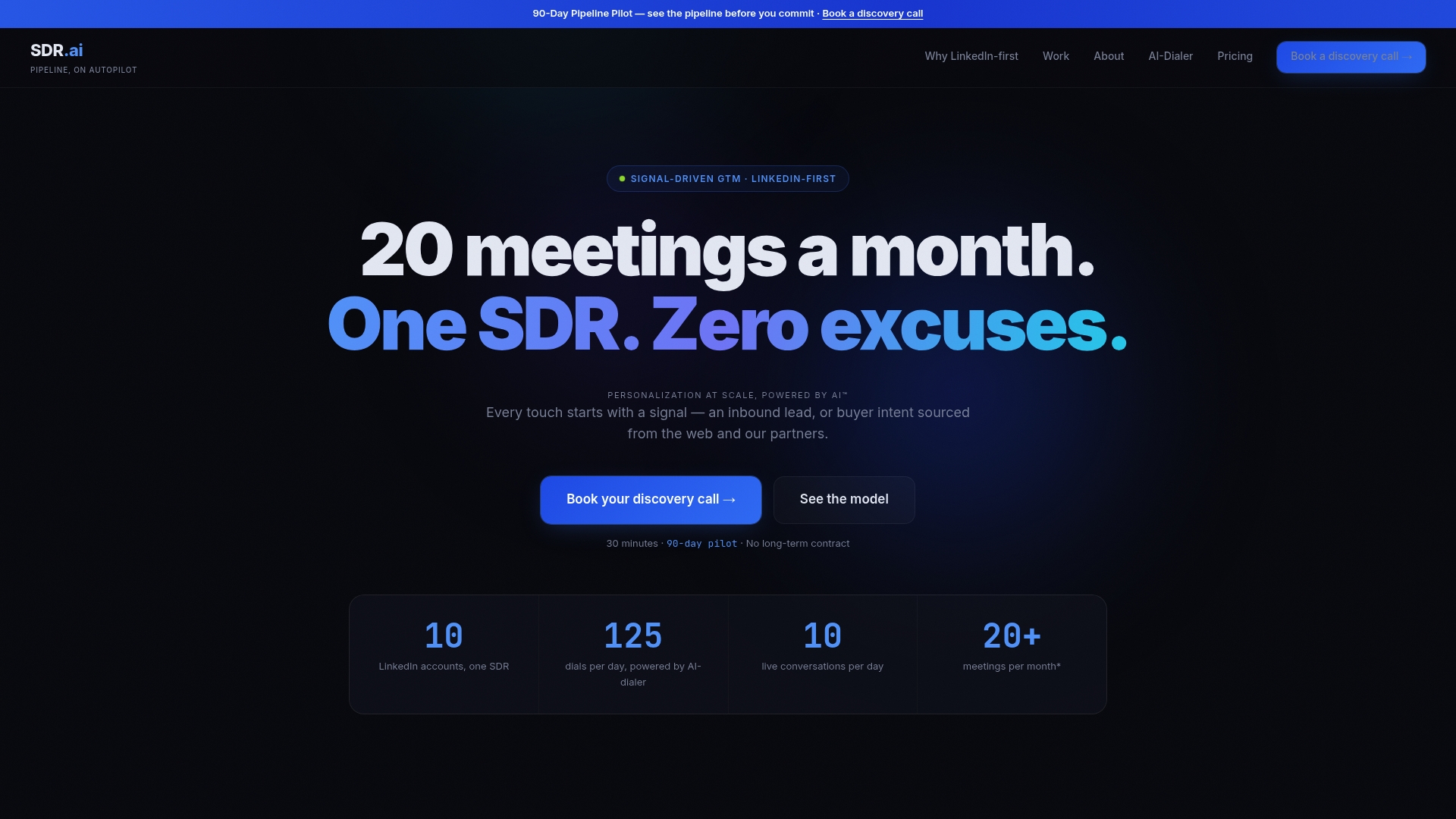
SDR.ai covers that workload as a managed service, combining AI-powered outbound with LinkedIn-first targeting and warm calling through an AI dialer, so the list-building and follow-up happen without adding headcount.
- AI-Powered Outbound handles ICP-driven list building and personalized outreach as an ongoing engagement.
- The SDR.ai Blueprint lays out the full data, digital, and dialing methodology for teams that want to see the approach before committing.
- The AI-Dialer can be used to add warm, parallel calling on top of LinkedIn outreach.
If your team is spending more hours maintaining lists than talking to the people on them, book a demo to see how the Blueprint applies to your own ICP.
Where to verify filter names, limits, and examples
The filter names, search limits, and sequencing recommendations in this guide come from a small set of sources worth bookmarking if you want to verify details as Sales Navigator's interface changes.
- GZ Consulting's walkthrough on list building covers the account-first sequencing this guide recommends.
- Parvenu's documentation on searching Sales Navigator covers filter types and the 2,500-lead search limit.
- A 30-day LinkedIn lead generation campaign plan is a useful companion for pacing outreach once lists are built.
- The Sdr documents the managed version of this same workflow.
Sources
- Searching on Premium Account | Parvenu Docs
- LinkedIn Sales Navigator List Building, Mobile Lead Profiles (GZ Consulting)
FAQ
What is the 3-2-1 rule on LinkedIn?
The 3-2-1 rule is a content posting guideline suggesting a mix of original posts, comments on others' content, and shares to build visibility, rather than a Sales Navigator search or list rule. It is unrelated to list building filters or limits and applies more to personal branding activity on the platform.
Can I download lists from Sales Navigator?
Yes, Sales Navigator supports exporting saved lead and account lists, typically as CSV files that can be mapped into a CRM. Export field consistency matters most here: keep the same columns (name, title, company, location, profile URL) every time so imports do not break.
Where can I find lead lists?
Lead lists are built directly inside Sales Navigator's Lead search using filters like seniority, function, title, and company headcount, then saved as a custom list. Teams that want a managed version of this process, including ICP-driven list building and follow-up outreach, can use a service like Sdr instead of building and maintaining lists manually.
What is the 4-1-1 rule on LinkedIn?
The 4-1-1 rule is a social media content ratio suggesting four educational or entertaining posts and one soft promotional post for every one hard sales post. Like the 3-2-1 rule, it applies to content strategy rather than to Sales Navigator search filters or list building workflows.
How many leads can one Sales Navigator search return?
Premium account searches are limited to the first 2,500 leads per search, so larger target markets need to be split by geography, vertical, or company headcount band. Splitting searches this way also makes each resulting list easier to validate before export.